


Bluetooth 2.4GHz Flying Mouse Keyboard Wireless M5 Air Mouse Voice Backlit Remote Control IR Remote Control for PC Android
Bluetooth 2.4GHz Flying Mouse Keyboard Wireless M5 Air Mouse Voice Backlit Remote Control IR Remote Control for PC Android
Regular price
$127.00 USD
Regular price
$0.00 USD
Sale price
$127.00 USD
Shipping calculated at checkout.
SPECIFICATIONS
Application: Desktop,Laptop,Number,Tablet
Battery Included: Yes
Brand Name: kebidumei
Certification: CE
Choice: yes
Feature 1: wireless keyboard
Feature 2: keyboard wirelesss
Feature 3: Backlit keyboard
Feature 4: mini keyboard
Feature 5: Wireless Keyboard
Feature 7: 2.4G Keyboard
Feature 8: Laptop Keyboard
Full Size keyboard: Yes
High-concerned chemical: None
Interface Type: Bluetooth / USB
Keyboard Standard: Mini Keyboard
Keycup material: Abs plastic
Language: English
Operation Style: Capacitive
Origin: Mainland China
Package: No
Product Name: mini keyboard/Bluetooth keyboard/Wireless keyboard/Wireless
Style: Standard,Gaming,Mini,For Laptop
Switches Hot swap: no
Type: Bluetooth Wireless
Use: TV,Computer,Universal,Projectors
Wrist Support: No
semi_Choice: yes
M5 Specification:
Remote control distance: about 10 m
Charging port: Micro USB
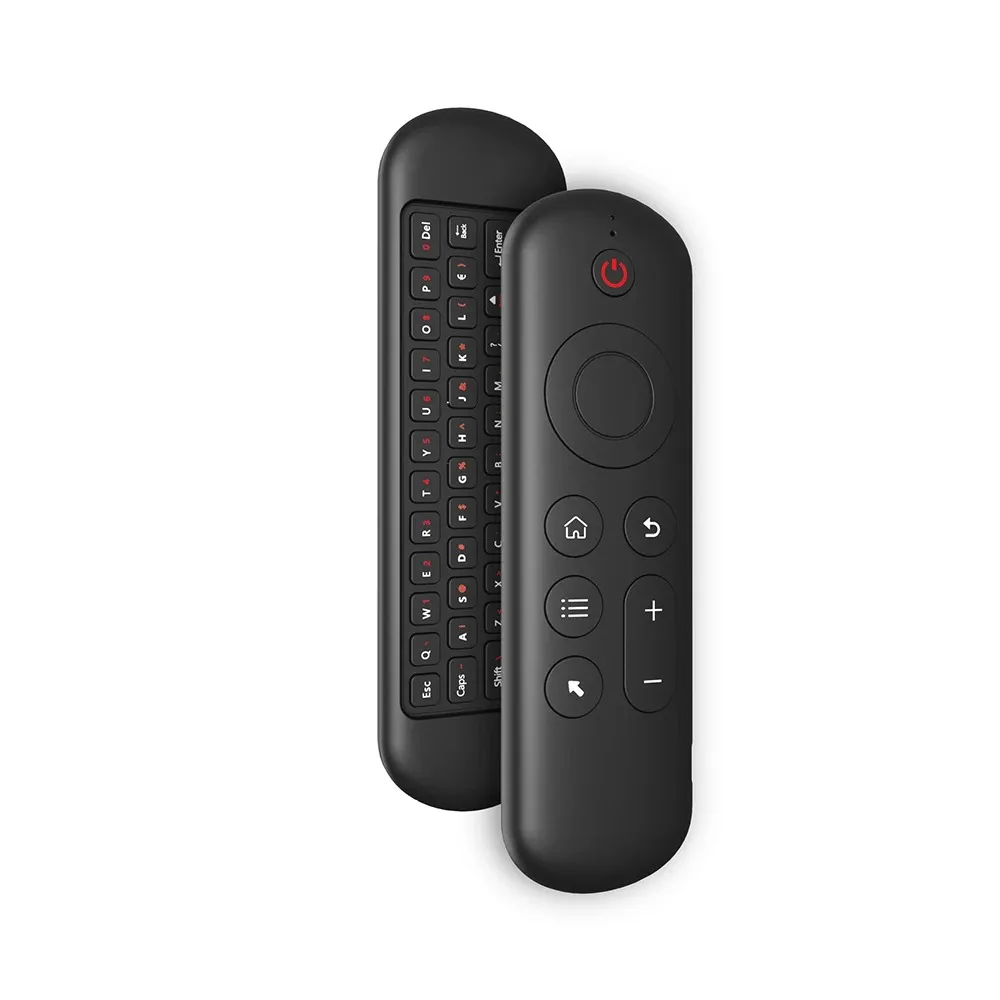
Overall dimension: 155* 45* 9 mm
Net weight of product: 58 g
Wireless modulation mode: GFSK
Modulation frequency: 2.4 ~ 2.4835 ghz
Number of keys: 58
Support system: for Android / Windows / Mac OS /Linux
2.4G MODE
1.For initial use , plug a USB receiver into the USB port of device and wait for 20-60 seconds to install driver of USB receiver . Move the mouse the mouse cursor can move on the screen means that pairing is successful;
2.if it is unsuccessful , press and hold [ OK and [ BACK ] buttons , LED light begin to flash . Pairing is successful when LED light stop flashing.
BT 5.2 MODE
1 . Before using this device , first you must turn on the BT function of the lain device;
2 . Then long press ; OK + Return keys , when the LED turns to flash quickly, the product enters the pre pairing;
3 , Click add search new devices on the main device to find this air remotes name ( Example : BT-REMOTE ) . Click the name can to connecting;
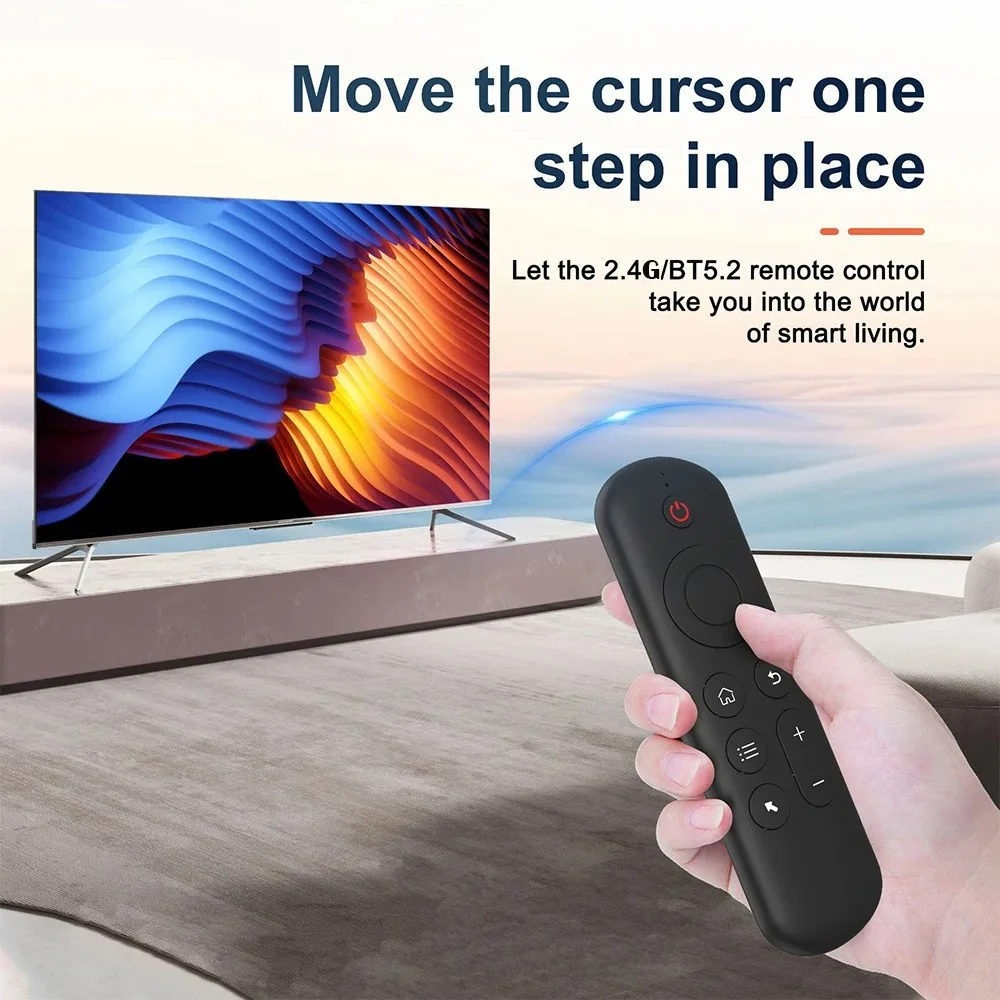
4 . After the product is successfully connected , the direction of the mouse pointer can be controlled by waving in the air;
5 .If the connection is not successful , please perform the operation steps of item 2-4 again;
6 . Reconnect efficiency description : The normal reconnect time of this product is 3-5 seconds after it is normally paired with the main equipment;
7 . This product can only remember the pairing information of one main device , when the product is connected to a new device , the connection of historical devices is not supported after.




Product features
Product features
Materials and care
Materials and care
Merchandising tips
Merchandising tips


